
What a Court Docket Shows in Oscoda County
A docket is the court's official list of the events in a case. It records each hearing, filing, order, and deadline in date order. In Oscoda County, the clearest public docket view is the 23rd Circuit Court hearing display. That board lists the parties set to appear, the time, the hearing type, and the case number. It is a calendar and an index. It is not the stack of documents behind the case. The circuit matters shown there run through the county's Circuit Court, where Judge David C. Riffel and Judge Casandra Morse-Bills preside. The list changes each court day as cases are added, moved, or resolved.
The full case file holds far more than the docket. Motions, briefs, exhibits, orders, and judgments all live in that file. The docket only points to them. Think of the docket as the table of contents and the case file as the book. A docket line might note that a pretrial was held. The order that came out of that pretrial sits in the file, not on the display board. Register of actions is the Michigan term for the complete chronological case history. That fuller history comes from the court's records system, not from the daily hearing list.
How to Check Oscoda County Court Dockets
Two official tools cover most docket needs in Oscoda County. MiCOURT Case Search holds public case information across Michigan trial courts. The 23rd Circuit Court hearing display shows the matters set for the current day. Both are free. Neither asks for a login. The statewide search opens at the Michigan Courts MiCOURT Case Search page.
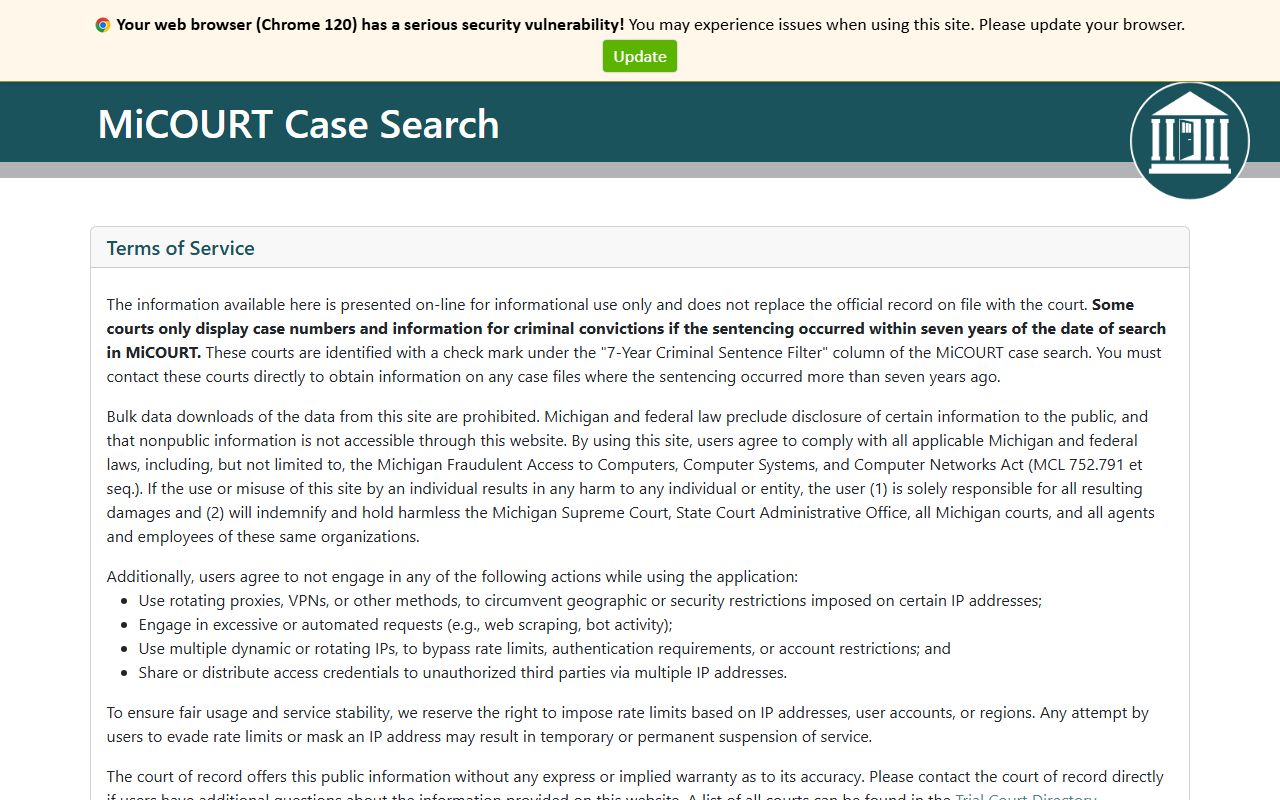
That portal lets a visitor look up an Oscoda County case by party name or case number before ever driving to Mio. Michigan Courts limits public web results to case number, party names, and case history, so the search points you to a case rather than handing over the full file. Checking the day's circuit hearings takes only a few clicks.
- Open the Oscoda County Circuit Court hearing display. The page is titled Oscoda County Circuit Court and names the sitting judges.
- Select Today to load the current court day. The board fills with each matter set before the circuit judges.
- Scan the Party Name column for the person or business you are tracking.
- Read across that row for the time, hearing info, case number, and CTN.
- Use Print to save the day's list, or note the case number for a deeper MiCOURT or records-request lookup.
Note: The Circuit Court display shows only scheduled hearings, so a case with no upcoming date will not appear until a new hearing is set.
Oscoda County Circuit Court Display Fields
The hearing display uses a fixed set of columns. Each row is one scheduled matter. Reading the columns in order tells you who appears, when, and under what case. The fields below match the public Oscoda County Circuit Court display exactly as it renders for the current day.
| Field | What It Shows |
|---|---|
| Today | Date tab that loads the current court day's hearing list. |
| Party Name | Name of the party set for the scheduled matter. |
| Time | Scheduled hearing time. |
| Hearing Info | Hearing type or location detail for the matter. |
| Case Number | The court-issued case number. |
| CTN | Criminal tracking number, shown when the matter is a criminal case. |
| Button that prints the day's display. |
How to Read an Oscoda County Docket
Start with the Party Name, then move right. The Time column sets the appearance. Hearing Info names the event, such as a pretrial, motion, or sentencing. The Case Number ties the row to the court file, and it is the key you use for any copy request. The CTN is the criminal tracking number. It follows a criminal matter from arrest through disposition and links the court case to the arresting agency's record. A CTN appears on criminal rows and stays blank on civil ones.
The display stops short of the paperwork. It shows no downloadable pleadings, no fines, and no final judgment text. It is a snapshot of the calendar, not a record of outcomes. A few terms make the board easier to read.
- Party Name
- The person or business scheduled to appear on that line.
- CTN
- Criminal tracking number that identifies a criminal case across agencies.
- Register of actions
- The full chronological history of filings and events in a case, kept by the court rather than the display.
- Continuance
- A postponement that moves a hearing to a later date.
- Disposition
- The result or current outcome of a case, found in the file, not on the daily board.
Docket vs. Full Case File in Oscoda County
The docket and the case file serve different jobs. The docket tracks progress. The file holds proof. A reader watching a court date needs the docket. A reader who needs a signed order, a filed motion, or a certified judgment needs the file. Oscoda County routes those document requests through the courts, and the fees and steps are covered with the county's broader court records process.
| Docket / Hearing Display | Full Case File | |
|---|---|---|
| Format | List of scheduled events | Complete documents and orders |
| Access | Free online, no login | Copy fee or court visit |
| Contents | Party, time, case number, CTN | Motions, exhibits, judgments, register of actions |
| Best use | Track a court date | Legal review and certified copies |
Copies come at a set rate. A noncertified filed document runs $1 per page. A certified copy of a conviction, judgment, or filed document is $10 plus $1 per page. A copy of the register of actions is $1 per page. Those requests go through the Oscoda County Courts NextRequest portal, which asks for the case number, party names, and a date of birth when the case number is unknown.
Oscoda County Jury Lines and Hearing Verification
Jurors and litigants both need to confirm whether they must appear. Oscoda County uses recorded call-in lines for jury reporting. For circuit trial days, the jury line is 989-826-9169. For district trial days, the jury line is 989-826-1153. Both are updated after 5 p.m. the evening before the report date, so a call the night before tells a juror whether the trial is still on.
Hearings move. Cases settle, get continued, or are reset, and a display captured earlier in the day can fall out of date. Confirm any court date directly with the court that holds it. For circuit matters, the Central Filing Office answers at 989-826-1111. For district matters, call 989-826-1105 or the magistrate line at 989-826-1106. The Oscoda County website warns that its general contact mailbox is not monitored daily, so a phone call is the reliable way to verify a time-sensitive hearing.
Confirm before you travel. A docket board reflects the schedule at the moment it loads. Call the court the business day before a hearing to catch continuances, room changes, or a matter struck from the calendar.
Courts With Dockets in Oscoda County
Oscoda County trial matters split across three courts, and each keeps its own docket. The circuit court posts the public hearing display, while district and probate calendars are confirmed through their court offices and the statewide search. The Michigan Courts trial court directory links each trial court's online records, forms, and docket tools.
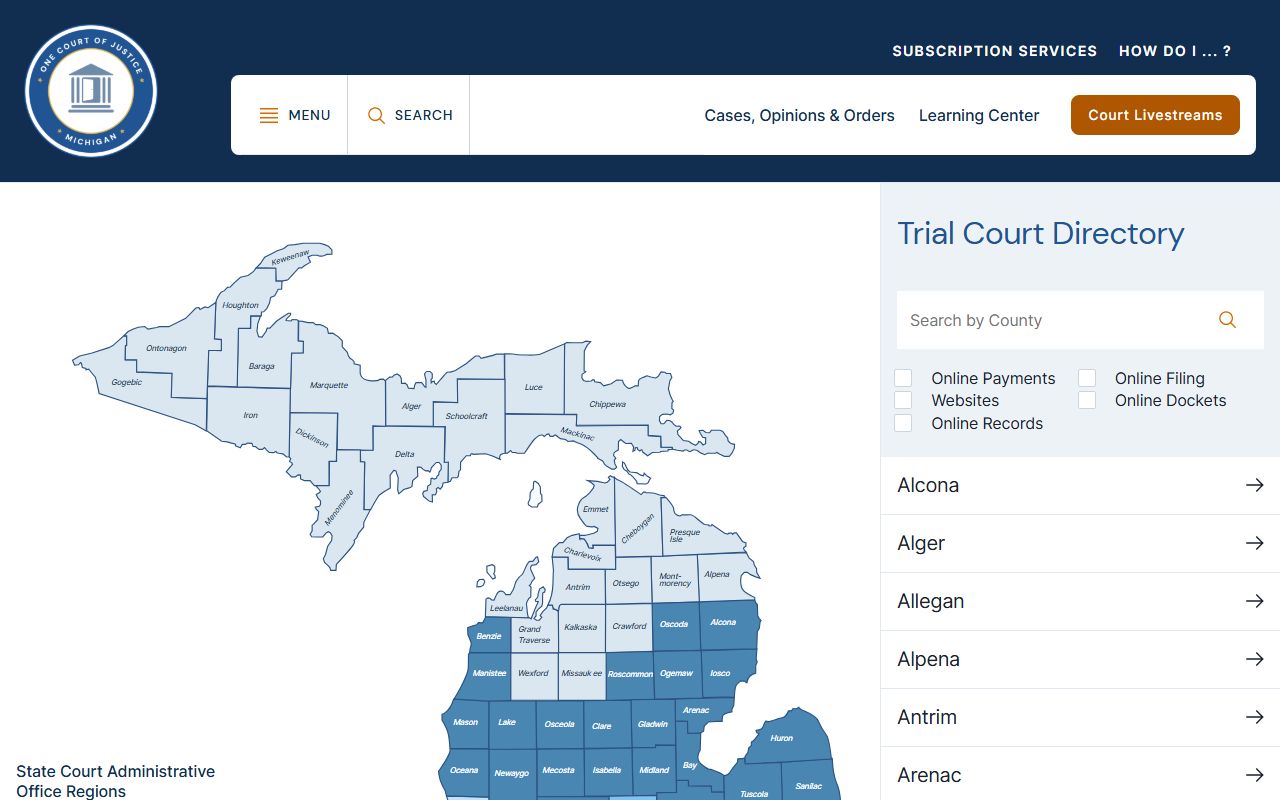
That directory is the starting point when a matter sits in district or probate court rather than circuit court. The three courts that generate Oscoda County dockets break down this way.
- 23rd Circuit Court: felony and serious misdemeanor cases, civil suits over $25,000, domestic relations, and appeals from district court. It runs the public hearing display.
- 81st District Court: misdemeanors, traffic, small claims, landlord-tenant, lower-dollar civil cases, and the early stages of felony cases before bindover.
- Probate Court: estates, wills, guardianships, conservatorships, and mental-health matters, some of which carry restricted files.
Because a felony can begin in district court and move to circuit court after bindover, one criminal matter may appear on more than one Oscoda County court docket over time. Checking both the circuit display and the statewide MiCOURT search catches the full path of a case.
Oscoda County Docket Questions
A few questions come up often when people first look up Oscoda County court dockets. Short answers help set expectations before a search or a call.
Is the Oscoda County docket free to view? Yes. The 23rd Circuit Court hearing display and the statewide MiCOURT Case Search are both free and need no account. Fees only start when you request copies of filed documents.
Why is a case missing from the display? The board lists only scheduled hearings for the day chosen. A case that is closed or has no upcoming date will not show until a new hearing is set on the Oscoda County calendar.
Can I download the actual court documents from the docket? No. The docket names events and case numbers. Pleadings, orders, and judgments are ordered through the court records request process, not pulled from the hearing board.
How do I know my hearing was not moved? Call the court that holds the case the business day before. Circuit filing answers at 989-826-1111, and the district court answers at 989-826-1105.
Note: A docket entry confirms that an event is scheduled, but only the court can confirm a final ruling, so treat the display as a calendar rather than a record of outcomes.